
What is BizzyDay?
BizzyDay is an app that connects customers who need work done with tradespeople who are available to do it — built around one simple idea:
You should be able to see who’s actually free before you pick up the phone.
The problem it solves
Section titled “The problem it solves”Finding a good tradesperson usually means calling around, leaving voicemails, and waiting days for callbacks — only to hear “sorry, I’m booked up.” BizzyDay flips that around. Every tradesperson on BizzyDay keeps a live availability calendar, so customers can search by trade, location and date and instantly see who can help.
Two sides of the app
Section titled “Two sides of the app”BizzyDay works differently depending on who you are.
If you’re a customer
Section titled “If you’re a customer”- Search for free. No account, no sign-up, no booking fees.
- Filter by trade, postcode and date to see who’s available near you.
- Check reviews via their linked review profile (Google Reviews, Checkatrade or Trustatrader).
- Contact tradespeople directly — BizzyDay never sits between you and the person doing the work.
Start here: Searching for a tradesperson.
If you’re a tradesperson
Section titled “If you’re a tradesperson”BizzyDay is a subscription that gives you a searchable public profile and a full set of business tools:
- A live availability calendar customers can see (with AM/PM precision).
- Quotes and invoices you can send, track and get paid on.
- Expenses, receipts, mileage and finances all in one place.
- Optional Pro AI tools that do the paperwork for you.
Start here: Setting up your public profile.
Where BizzyDay works
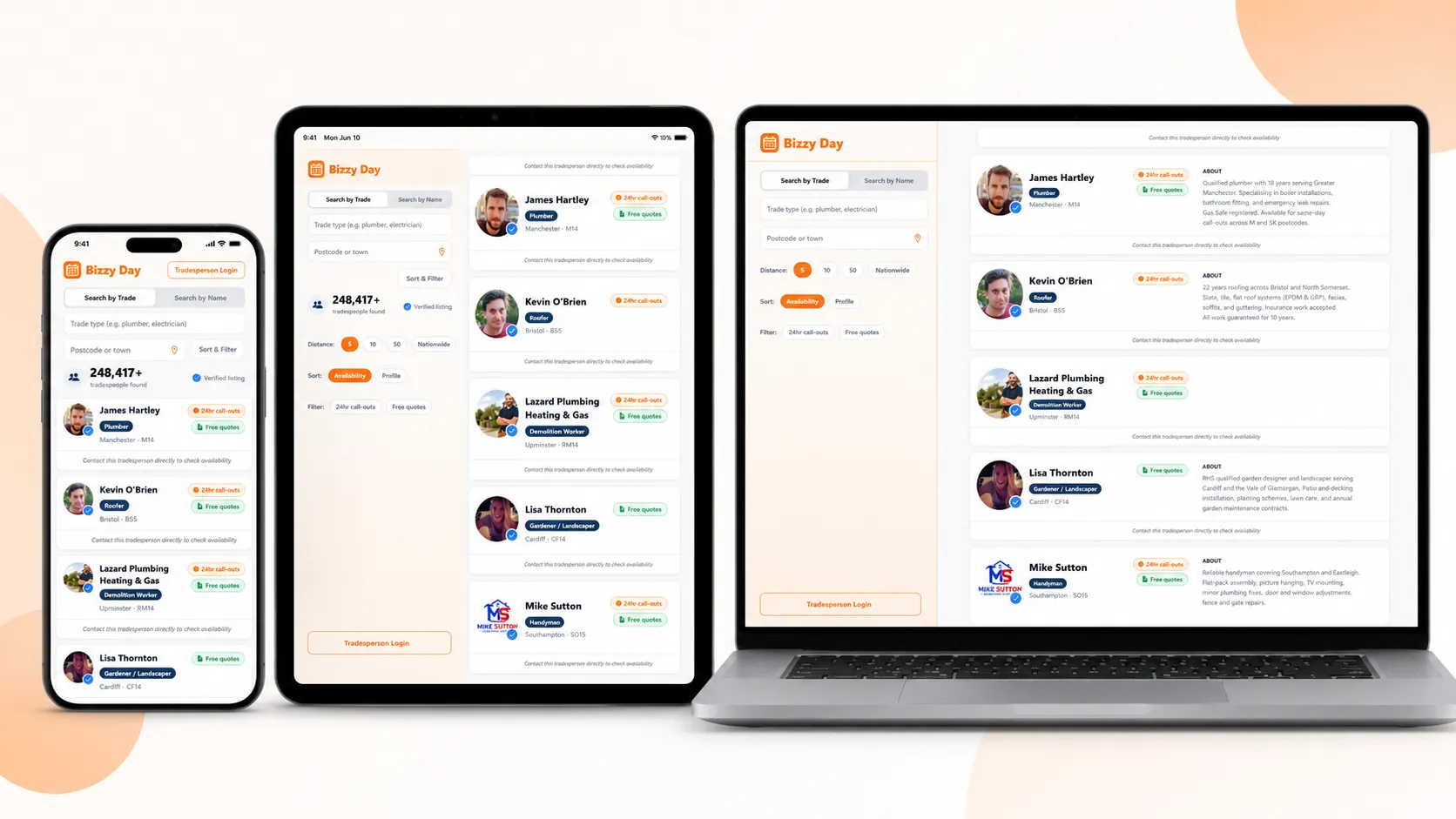
Section titled “Where BizzyDay works”BizzyDay is one app across iPhone, iPad, Android and the web (as shown at the top of this page), so your calendar, quotes and invoices stay in sync wherever you sign in. It’s built for the UK — postcodes, VAT, HMRC mileage rates and statutory late-payment interest are all handled the British way.
What it costs
Section titled “What it costs”- Customers: always free.
- Tradespeople: a flat monthly subscription — no per-lead fees and no commission on your work. See Choosing a plan for the details.