
Conflict detection
Double-booking is every tradesperson’s nightmare — two customers, one of you. BizzyDay watches for clashes and warns you before they happen.
How it works
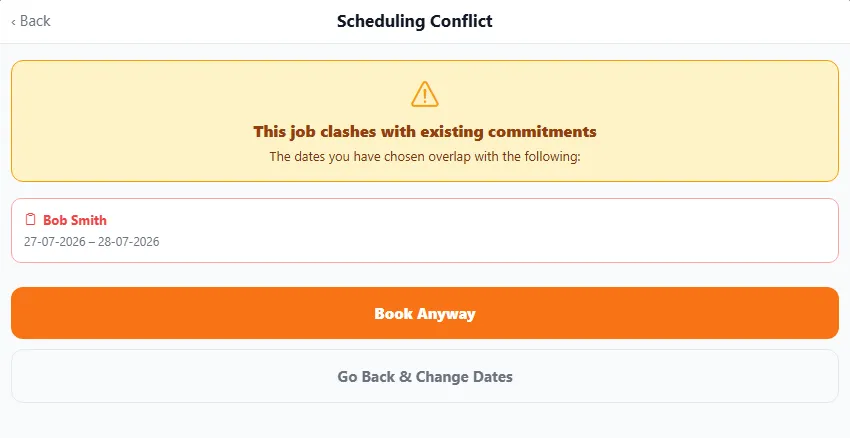
Section titled “How it works”When you add or move a job, BizzyDay checks it against everything already on your calendar — other jobs, pre-quote visits, holidays and synced events. If the new booking would overlap, you get a conflict warning.
What counts as a clash
Section titled “What counts as a clash”- Two jobs at the same time.
- A job landing on a holiday or non-working day.
- A job overlapping a pre-quote visit.
- A job overlapping an event from a synced calendar.
Because BizzyDay understands AM/PM half-days, it can tell the difference between a genuine overlap and two jobs that happily fit into the same day (one morning, one afternoon).
What to do when you see a warning
Section titled “What to do when you see a warning”- Move one of them to a free slot.
- Split the day using AM/PM if both can actually fit.
- Go ahead anyway if you know it’s fine (say, a quick call-in between bigger jobs) — the warning informs you, it doesn’t block you.