
Signatures & e-signing
Getting a customer’s signature turns a verbal “yeah, go ahead” into a clear record everyone can rely on. BizzyDay does this digitally — no paper, no printer.
What you can get signed
Section titled “What you can get signed”- Quote acceptance — the customer agrees the scope and price before you start.
- Job confirmation — the details of the work are agreed.
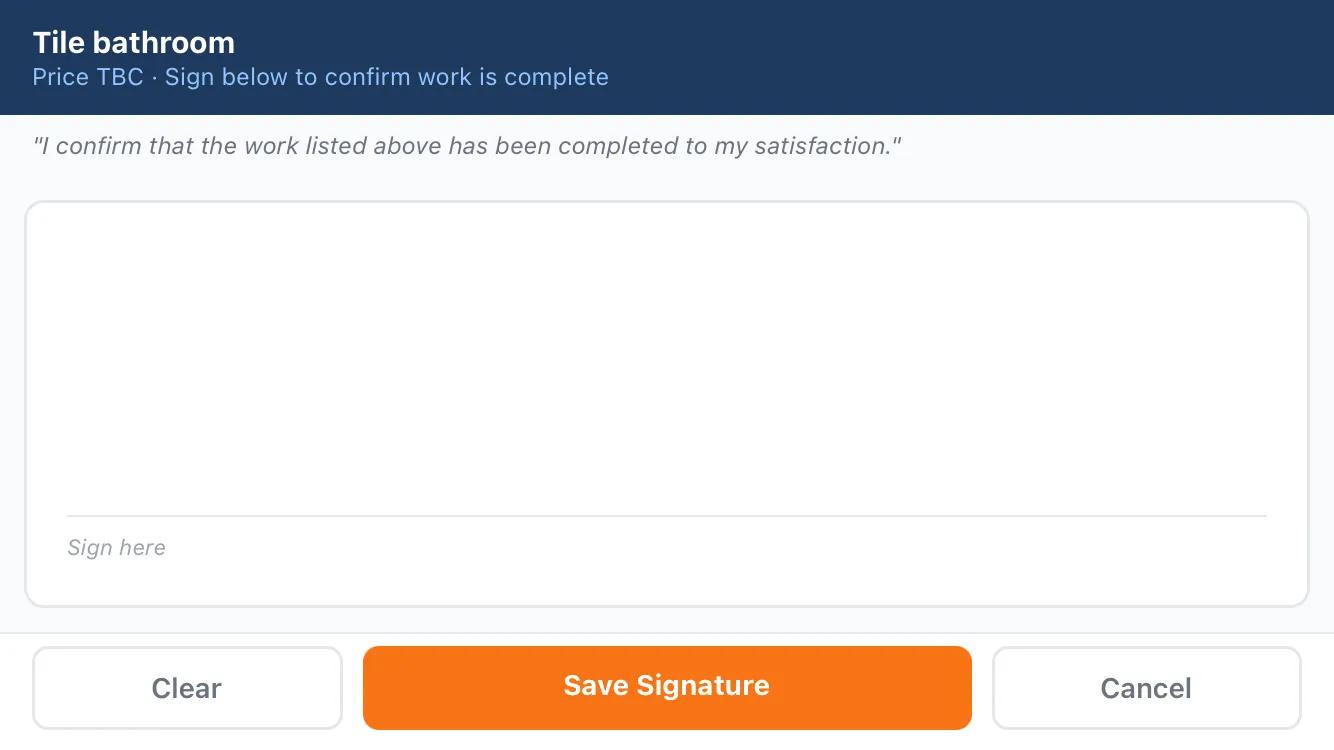
- Completion sign-off — the customer confirms the work is done to their satisfaction.
How it works
Section titled “How it works”- From a quote or job, choose to request a signature.
- The customer gets a link (or signs on your device on site).
- They review the document and sign with a finger or mouse — no account needed on their end.
- Both of you get a record of the signed document.
Your customer’s side of this is covered in Signing documents.
Why bother?
Section titled “Why bother?”- Fewer disputes. A signed quote is proof the customer agreed the price and scope.
- Professional. Digital sign-off looks modern and is quick for the customer.
- On-site or remote. Sign in person on your phone, or send a link for them to do later.